

Connect Teams
Any Forecastable user can connect their own Teams account.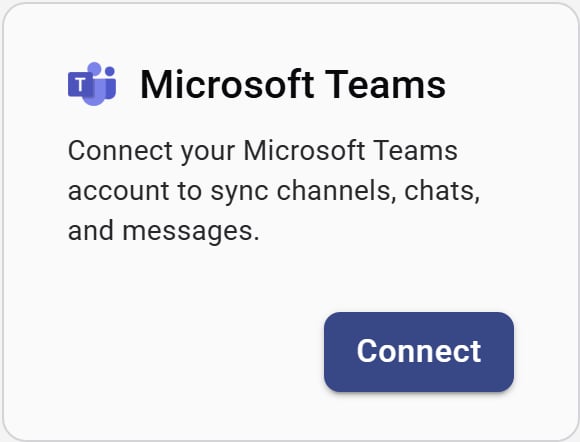
Microsoft Teams integration card
- On the Microsoft Teams card, click Connect.
- Sign in with your Microsoft account and approve the requested permissions.
- When authorization finishes, Forecastable returns you to Integrations with Teams connected.
Disconnect
Use Disconnect on the Teams card to remove the connection. You can reconnect later from the same page.Verify the setup
- The Teams card shows Disconnect
- Teams channels, chats, or messages you expect begin syncing for your account
Troubleshooting
I completed Microsoft login but Teams still shows Connect
I completed Microsoft login but Teams still shows Connect
Return to Integrations and refresh the page. If it still shows disconnected, start Connect again and complete the full Microsoft consent screen.
I do not see Teams data after connecting
I do not see Teams data after connecting
Confirm you authorized the correct Microsoft tenant and account. Disconnect and reconnect if you used a personal account by mistake.