

- Gong Automation Rules (recommended). In Gong, Automation Rules can send all calls or a filtered subset of calls to Forecastable. The filter criteria are configured in Gong and can include examples such as call participants, words or phrases, trackers, and call titles.
- Folders. In Forecastable, you can select Gong folders to sync. Only calls in the selected folders are retrieved.
Before you start
Make sure you have:- access to Forecastable
- access to the Gong workspace you want to connect
- a Gong account with enough access to authenticate the integration
- an admin account in Gong if you plan to create Automation Rules
Step 1: authenticate Gong in Forecastable
Start on the Forecastable integrations page: Open Forecastable integrations On the Gong card, click Connect.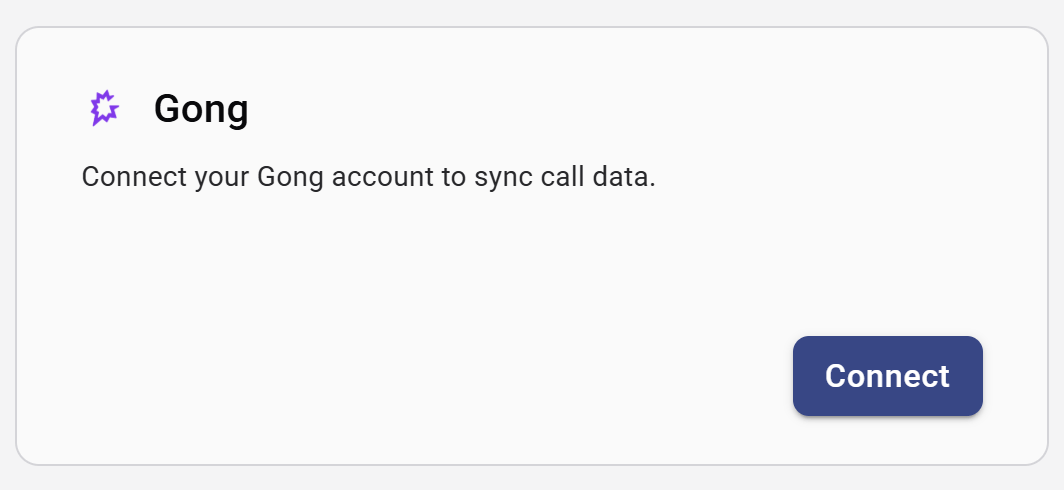
Gong integration card before connecting
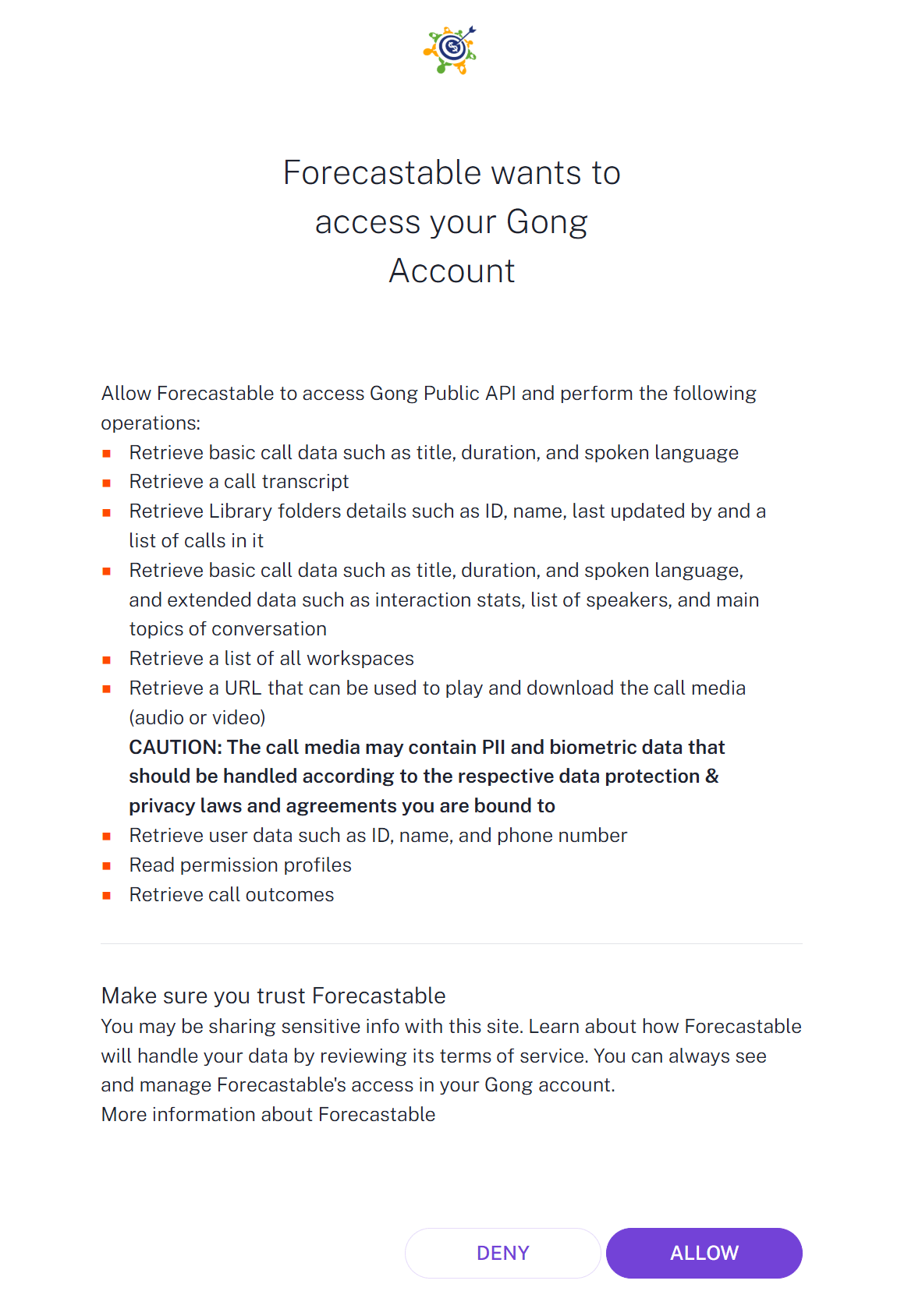
Gong authorization screen
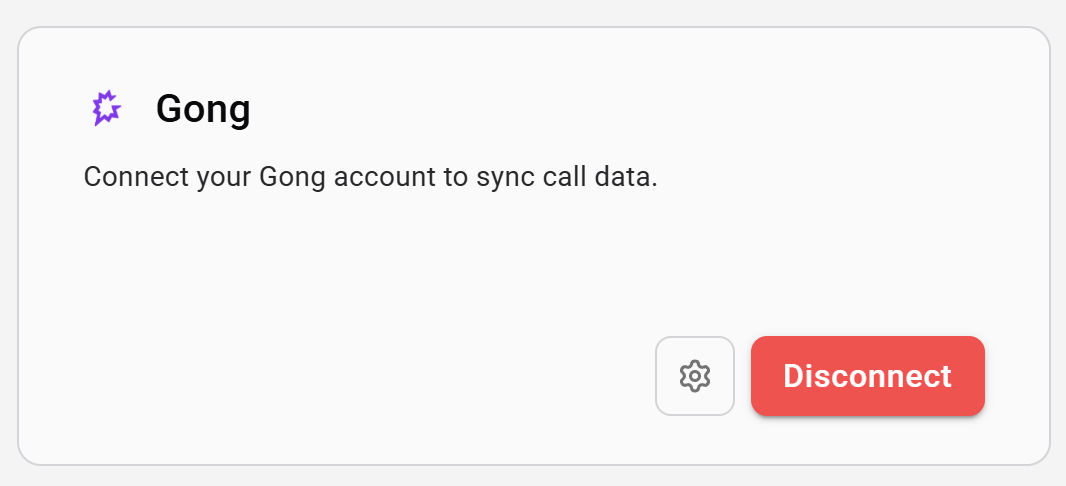
Gong integration card after connecting
Step 2: open Gong settings and copy the webhook URL
Once connected, click the settings icon on the Gong integration card. Inside the settings dialog, Forecastable shows a Webhook URL (recommended) and a Sync folders section.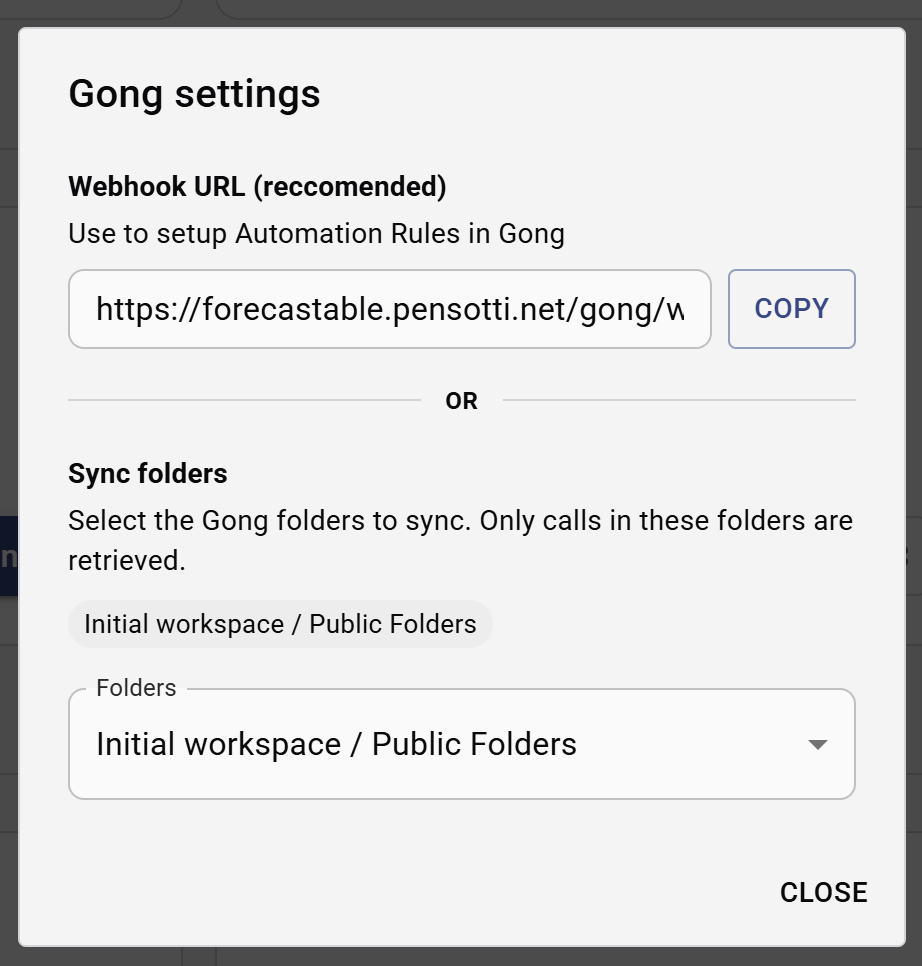
Gong settings dialog
Option 1: Gong Automation Rules
Automation Rules are the recommended option when you want Gong to decide which calls should be sent to Forecastable automatically.Go to the Automation Rules area in Gong
Log in to Gong with an admin account. In the left sidebar, open Admin Center.
Gong Admin Center
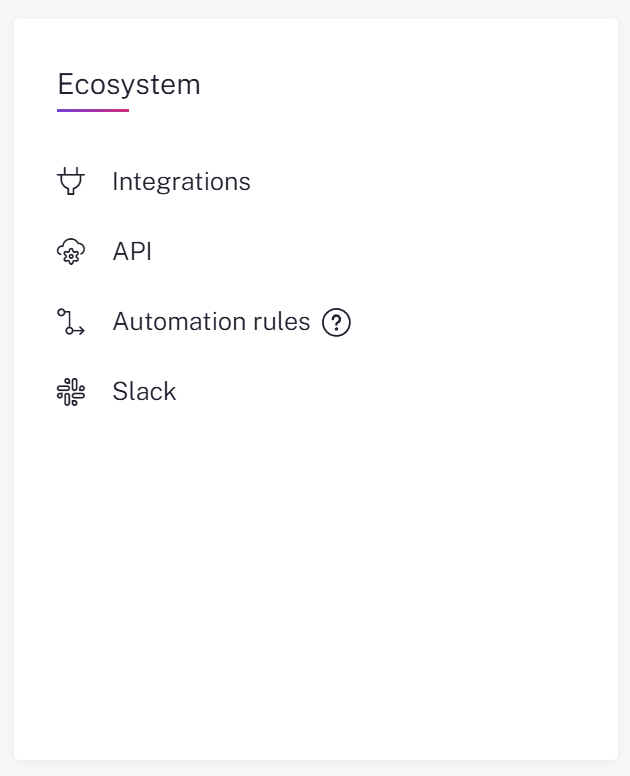
Navigate to Automation rules in Gong
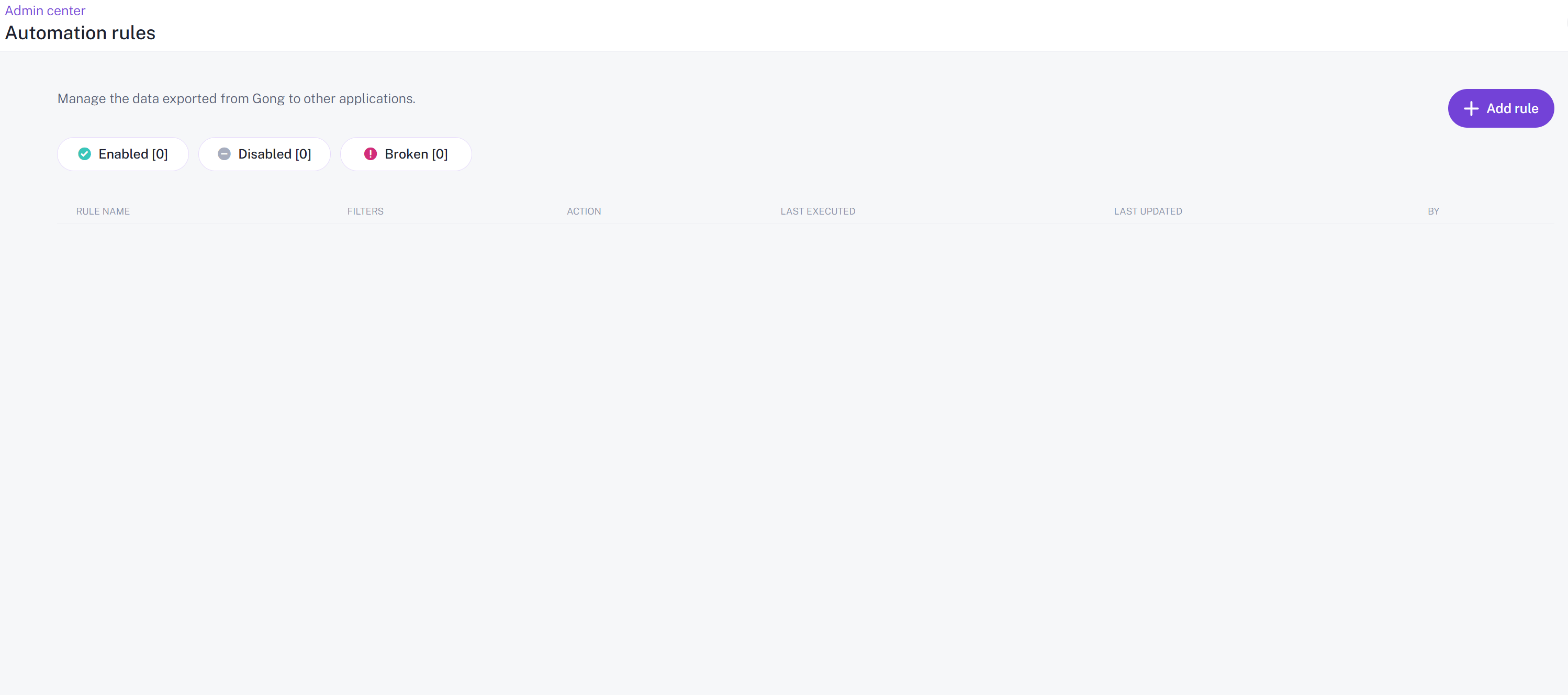
Add rule in Gong
Configure the rule
In Gong, leave the action as Fire webhook and configure the trigger the way you want. If you want every new call to be eligible, leave the trigger at All calls. If you only want a subset of calls, configure the trigger filters in Gong using the criteria that make sense for your workflow. Paste the Forecastable webhook URL into the URL field.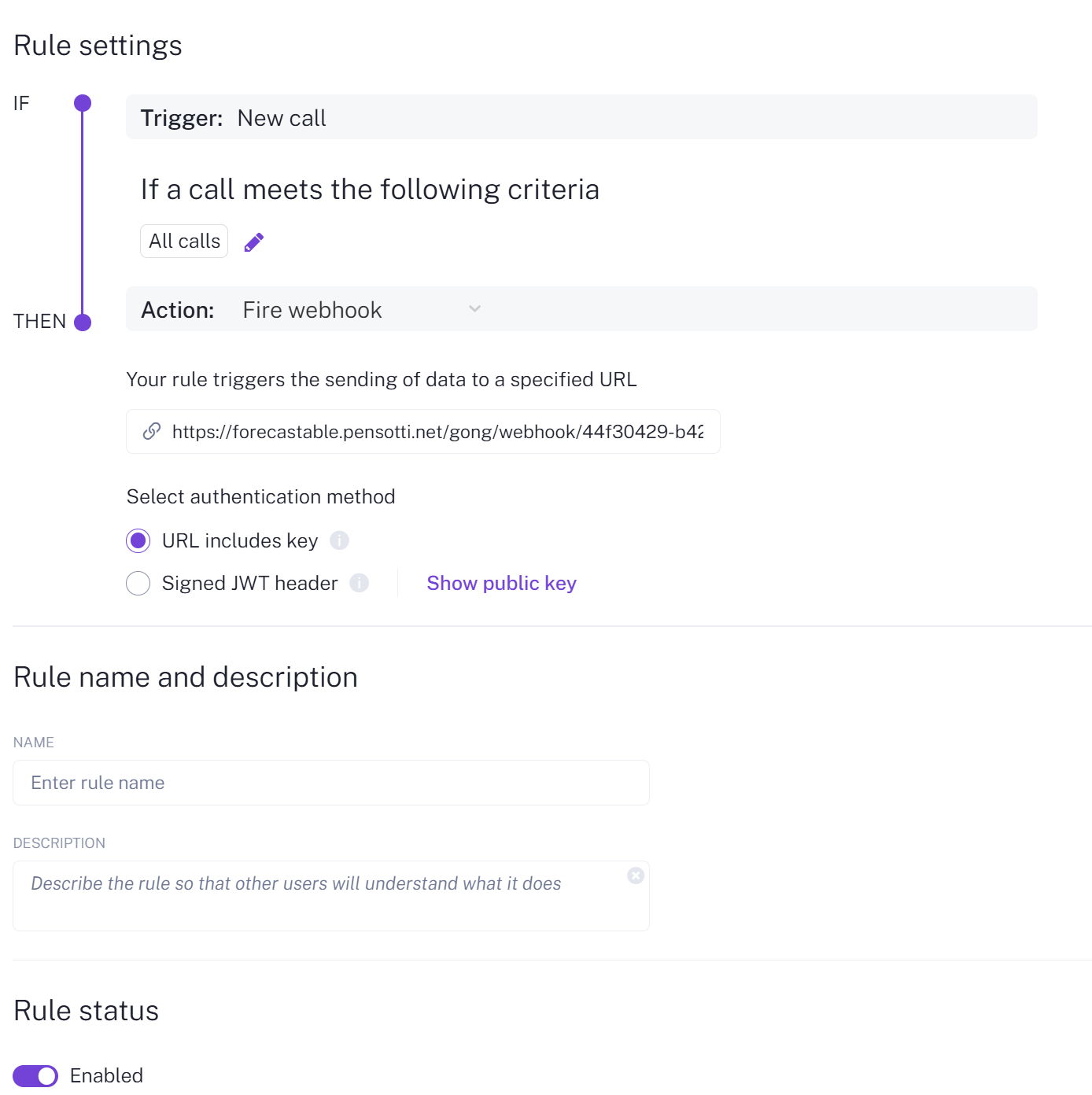
Configure the Automation Rule
- give the rule a name
- optionally add a description
- make sure Rule status is enabled
- click Save

Save the Automation Rule
Option 2: folders
Folders are useful when you want a more manual workflow based on Gong’s Company Library. First, in Gong, go to Conversations → Company library. You can create a folder there or use an existing one.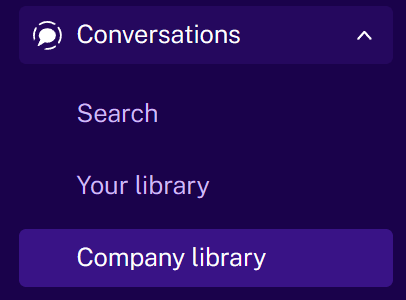
Open Company Library in Gong
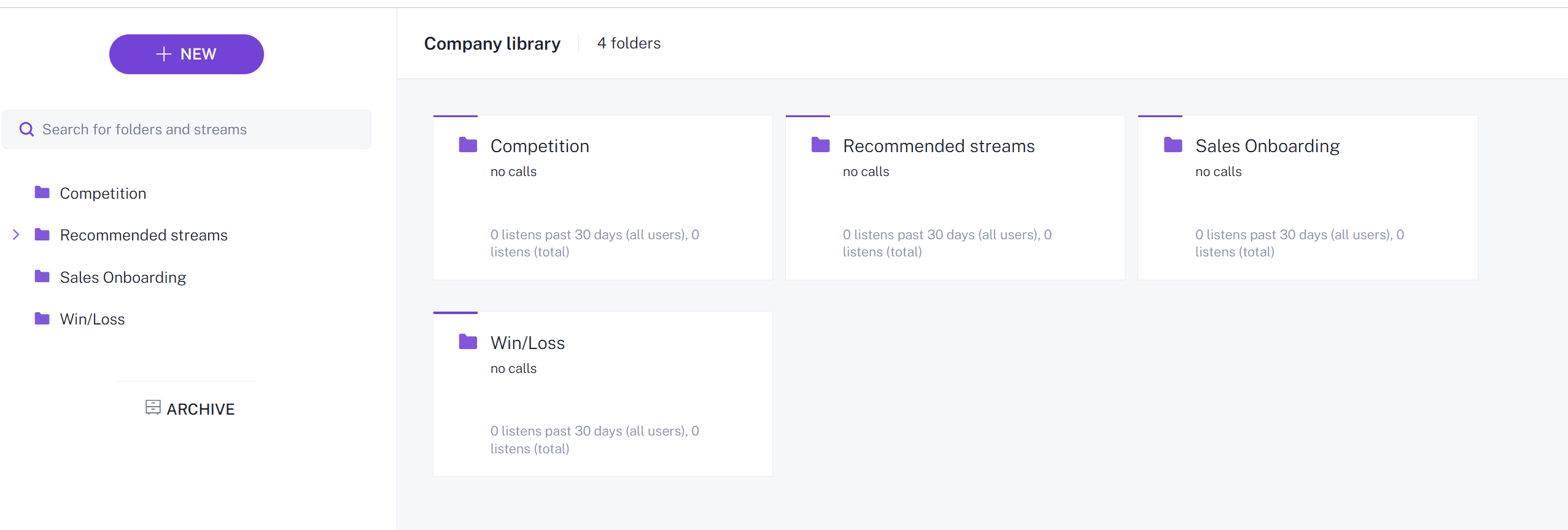
Company Library folders
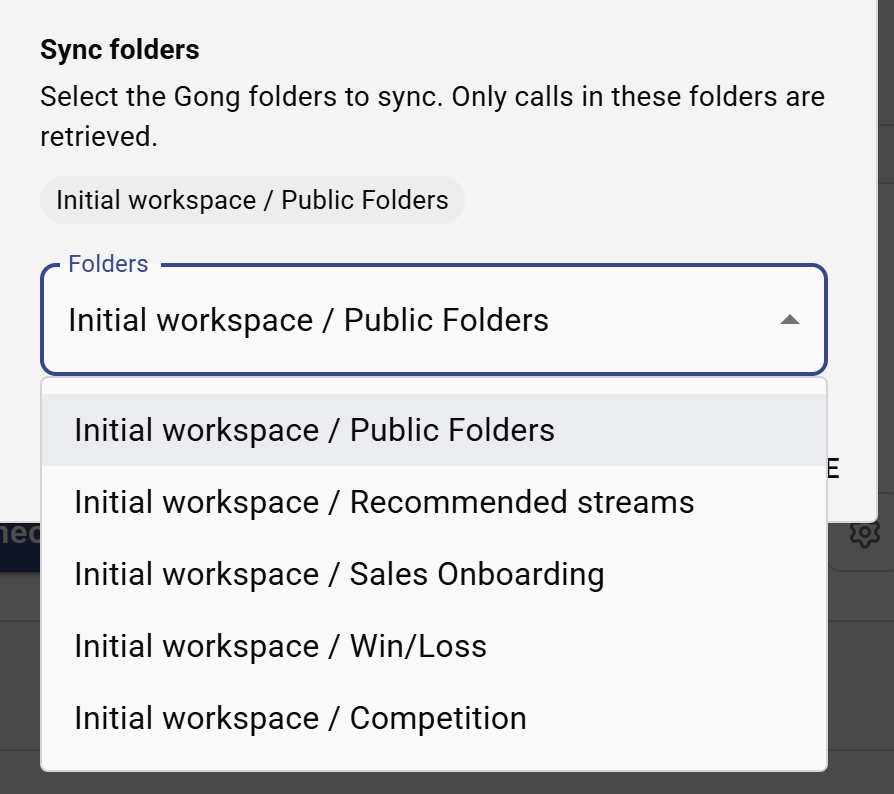
Select Gong folders in Forecastable
How to choose between Automation Rules and folders
Use Automation Rules when:- you want Gong to route matching calls automatically
- you want to rely on Gong-side trigger conditions
- you want the webhook-based setup shown in Forecastable’s Gong settings
- you want to manage inclusion through Gong’s Company Library
- your team already organizes relevant calls into folders
- you want Forecastable to retrieve only the folders you explicitly select
Verify the setup
After setup, confirm the integration by checking:- the Gong card remains connected on Settings → Integrations
- the webhook URL is available in the Gong settings dialog if you are using Automation Rules
- the expected folders appear in Sync folders if you are using folder-based tracking
- matching or selected Gong calls start appearing in Forecastable where call activity is shown
Troubleshooting
The Gong card is connected, but no calls appear
The Gong card is connected, but no calls appear
Check the control method you are using:
- if you are using Automation Rules, verify the rule exists in Gong, the trigger is configured the way you expect, and the rule is enabled
- if you are using folders, verify the right folders are selected in Forecastable
The webhook URL is blank
The webhook URL is blank
Reconnect the Gong integration and reopen the settings dialog. If the field is still empty, the server may not be configured with the correct public application URL for webhook generation.
I want to restart the setup
I want to restart the setup
Use Disconnect on the Gong integration card, reconnect the integration, and then reconfigure your webhook or folder settings.
Final notes
The cleanest setup is usually:- authenticate Gong in Forecastable
- copy the Forecastable webhook URL
- configure a Gong Automation Rule if you want automatic call routing
- select Gong folders in Forecastable if you want Company Library based control