

Connect Gmail
Any Forecastable user can connect their own Gmail account.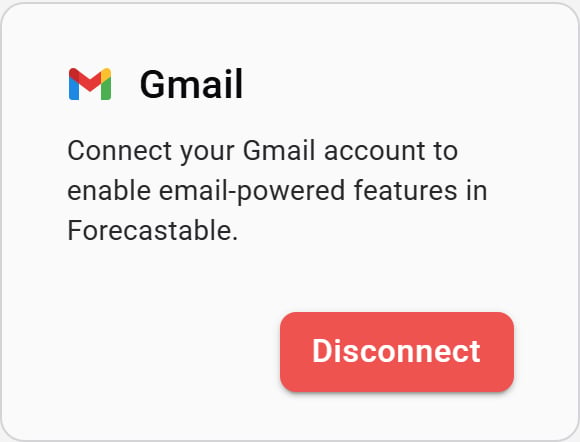
Gmail integration card
- On the Gmail card, click Connect.
- Sign in with Google and approve access for Forecastable.
- When authorization finishes, Forecastable returns you to Integrations with Gmail connected.
Disconnect
Use Disconnect on the Gmail card to remove the connection.Verify the setup
- The Gmail card shows Disconnect
- Email features that require a connected mailbox work for your user