

- Slack App (Admin) — installs the Forecastable app in your Slack workspace so mentions and workspace features work.
- Slack Account — connects your personal Slack user for user-specific features.
Slack App (Admin)
Admin access in Forecastable is required (masterAdmin or subscriberAdmin).
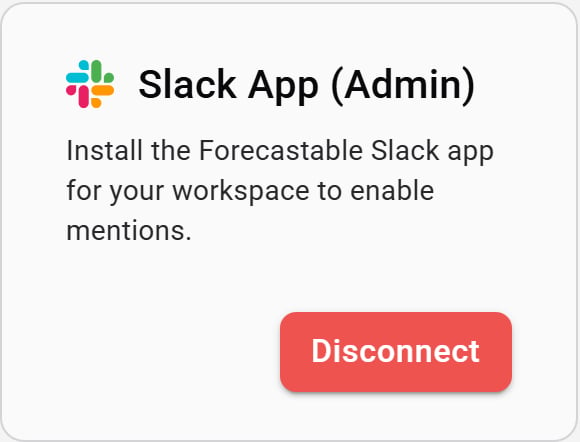
Slack App (Admin) card
- On the Slack App (Admin) card, click Connect.
- Complete the Slack workspace install flow for the Forecastable app.
- When you return to Forecastable, the card shows Disconnect.
Slack Account
Any Forecastable user can connect their own Slack account.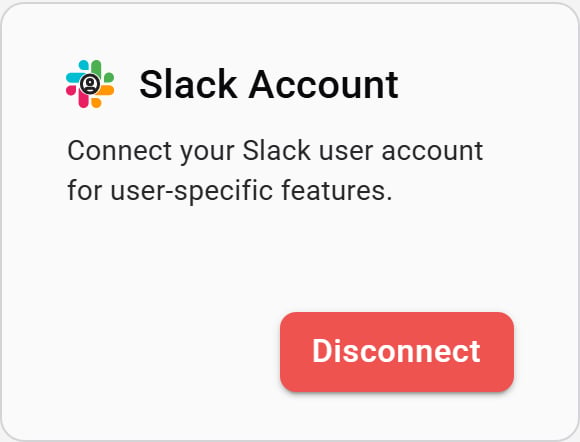
Slack Account card
- On the Slack Account card, click Connect.
- Sign in to Slack and approve access for your user.
- Forecastable returns you to Integrations with the account connected.
Verify the setup
- Slack App (Admin) shows Disconnect for a workspace admin
- Slack Account shows Disconnect for your user
- Slack-powered features (such as mentions) work for users who have the permission set they need in Slack and Forecastable
Troubleshooting
Connect is disabled on Slack App (Admin)
Connect is disabled on Slack App (Admin)
The workspace install URL is missing. Confirm you are signed in as a Forecastable admin, refresh Integrations, and contact support if it stays disabled.
I connected Slack Account but workspace mentions still fail
I connected Slack Account but workspace mentions still fail
Install Slack App (Admin) for the workspace as well. The personal account connection alone does not install the Forecastable Slack app.