

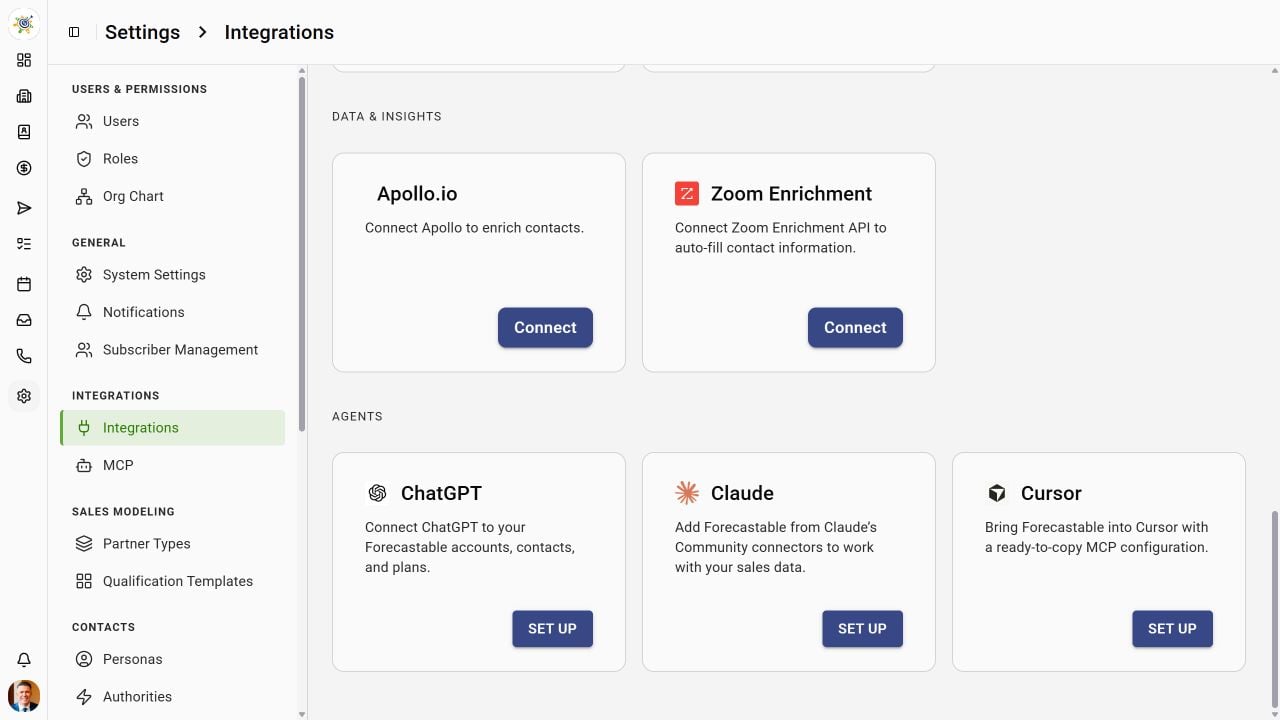
Agent setup links in Forecastable
Before you begin
You need a Forecastable account and access to custom MCP connections in ChatGPT on the web. Availability depends on your ChatGPT account and workspace policy; ask your workspace administrator if developer mode is unavailable.Connect ChatGPT
1
Enable developer mode
Open ChatGPT Settings → Security and login and enable Developer mode.
2
Add Forecastable
Open ChatGPT Plugins and select the + button to create a developer-mode app. Enter:
Use dynamic client registration (DCR) if ChatGPT asks for the OAuth registration method. Forecastable supports DCR, so you do not need to create a client ID or secret manually.
3
Authorize and select the connection
Create the connection, sign in to Forecastable, and approve the requested access. Review the discovered tools. In a new conversation, open the + menu, choose Developer mode, and select Forecastable.
Try it
Ask: “Use Forecastable to list my organizations. Ask me which organization to use, then list five accounts from it.” Single-organization users receive an automatic default and can calllistPlans without an organization parameter. If an organization is missing, the error lists accessible names and IDs; retry with params.organizationId. With multiple organizations, use setActiveOrganization to save your choice across reconnects and new chats on the same token.