

Connect Apollo
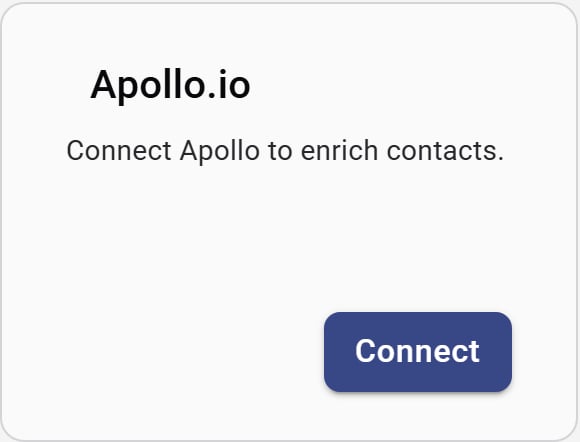
Apollo.io integration card
- On the Apollo.io card, click Connect.
- In Apollo, open Settings → API and copy your API key.
- Paste the key into Forecastable and click Connect.
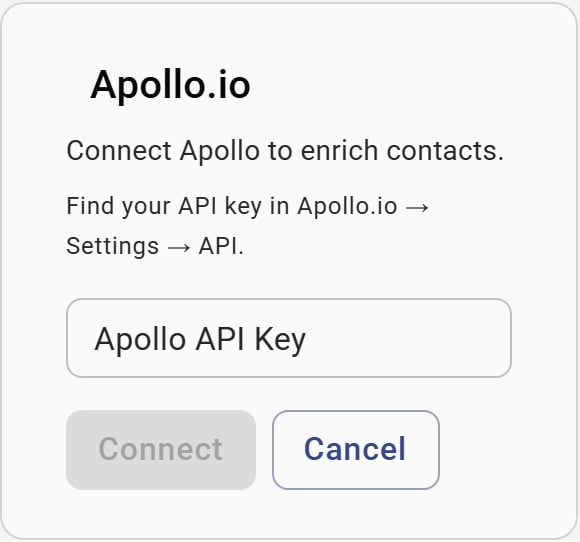
Enter your Apollo API key
Disconnect
Use Disconnect on the Apollo card to remove the API key connection.Verify the setup
- The Apollo card shows Disconnect
- Contact enrichment actions that depend on Apollo succeed for your organization
Troubleshooting
Invalid API key
Invalid API key
Confirm the key is active in Apollo Settings → API, copy it again, and reconnect.
I do not see the Apollo card
I do not see the Apollo card
Apollo appears under Data & Insights for Forecastable admins only.