> ## Documentation Index
> Fetch the complete documentation index at: https://docs.forecastable.com/llms.txt
> Use this file to discover all available pages before exploring further.
# Slack integration
> Install the Forecastable Slack workspace app and connect your personal Slack account.
Forecastable has two Slack connectors. Most teams need both:
1. **Slack App (Admin)** — installs the Forecastable app in your Slack workspace so mentions and workspace features work.
2. **Slack Account** — connects your personal Slack user for user-specific features.
Start on [Settings → Integrations](https://app.forecastable.com/settings/integrations).
## Slack App (Admin)
Admin access in Forecastable is required (`masterAdmin` or `subscriberAdmin`).
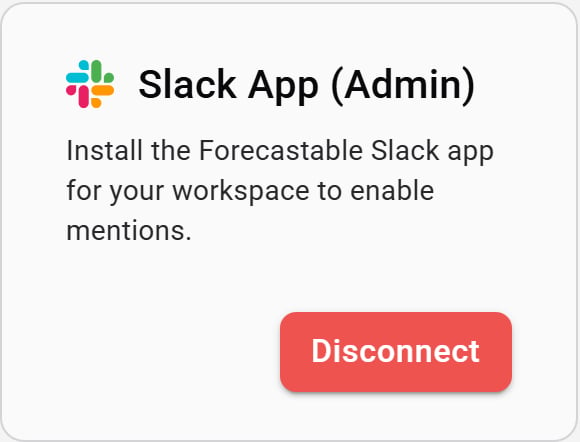 1. On the **Slack App (Admin)** card, click **Connect**.
2. Complete the Slack workspace install flow for the Forecastable app.
3. When you return to Forecastable, the card shows **Disconnect**.
If **Connect** is disabled, the Slack install URL is not available for your environment—contact Forecastable support.
## Slack Account
Any Forecastable user can connect their own Slack account.
1. On the **Slack App (Admin)** card, click **Connect**.
2. Complete the Slack workspace install flow for the Forecastable app.
3. When you return to Forecastable, the card shows **Disconnect**.
If **Connect** is disabled, the Slack install URL is not available for your environment—contact Forecastable support.
## Slack Account
Any Forecastable user can connect their own Slack account.
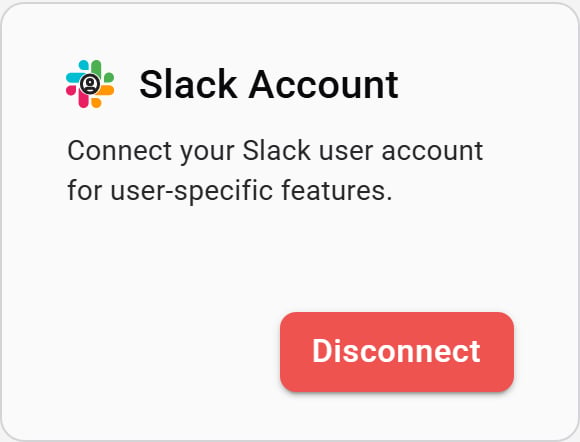 1. On the **Slack Account** card, click **Connect**.
2. Sign in to Slack and approve access for your user.
3. Forecastable returns you to Integrations with the account connected.
Your personal Slack connection is independent of the workspace app. Disconnecting one does not remove the other.
## Verify the setup
* **Slack App (Admin)** shows **Disconnect** for a workspace admin
* **Slack Account** shows **Disconnect** for your user
* Slack-powered features (such as mentions) work for users who have the permission set they need in Slack and Forecastable
## Troubleshooting
The workspace install URL is missing. Confirm you are signed in as a Forecastable admin, refresh Integrations, and contact support if it stays disabled.
Install **Slack App (Admin)** for the workspace as well. The personal account connection alone does not install the Forecastable Slack app.
1. On the **Slack Account** card, click **Connect**.
2. Sign in to Slack and approve access for your user.
3. Forecastable returns you to Integrations with the account connected.
Your personal Slack connection is independent of the workspace app. Disconnecting one does not remove the other.
## Verify the setup
* **Slack App (Admin)** shows **Disconnect** for a workspace admin
* **Slack Account** shows **Disconnect** for your user
* Slack-powered features (such as mentions) work for users who have the permission set they need in Slack and Forecastable
## Troubleshooting
The workspace install URL is missing. Confirm you are signed in as a Forecastable admin, refresh Integrations, and contact support if it stays disabled.
Install **Slack App (Admin)** for the workspace as well. The personal account connection alone does not install the Forecastable Slack app.